Step 6 of 6 · Student intake and lifecycle
Try this experience Student transfers
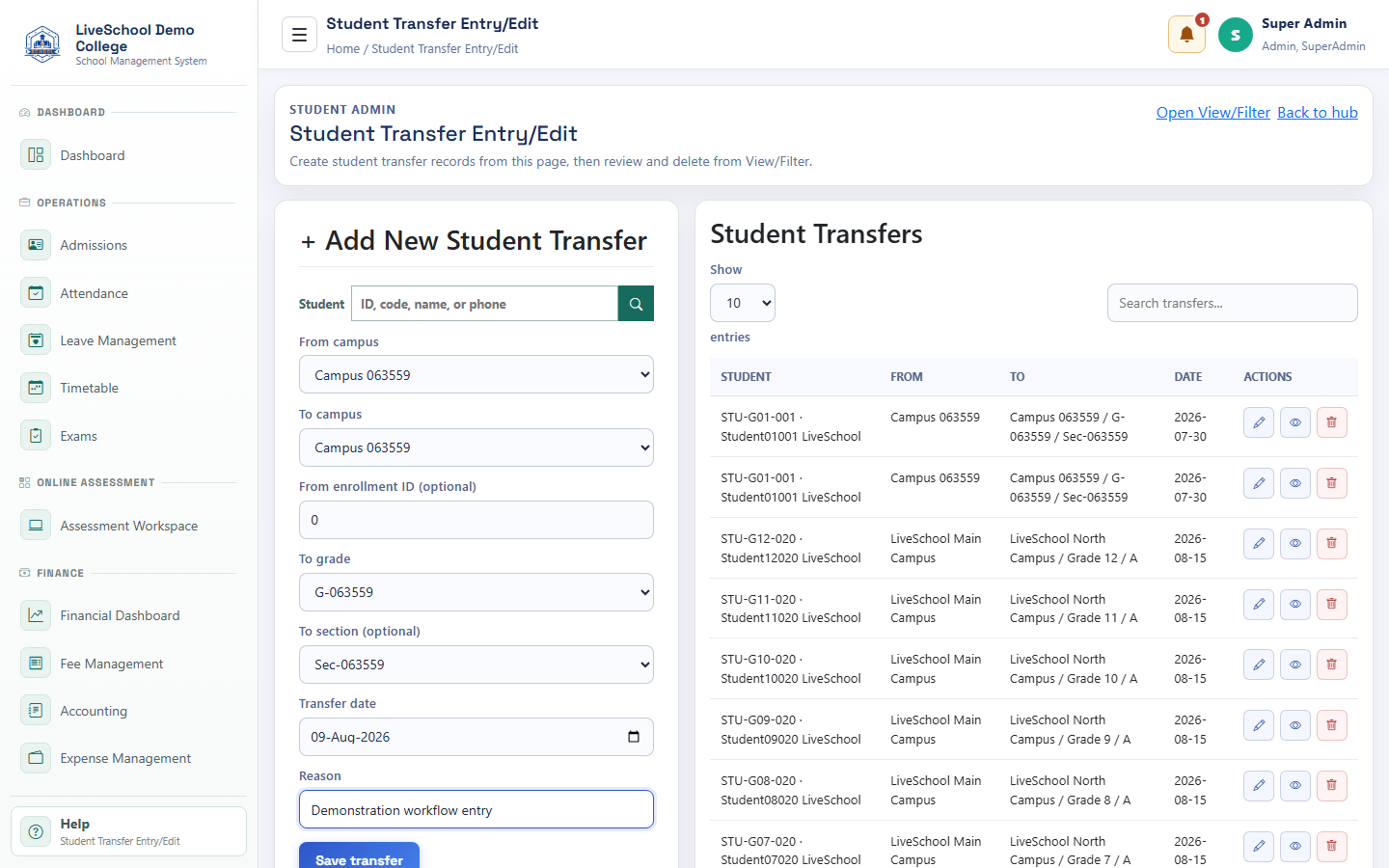
Move an active student between campuses, grades, or sections without losing the previous enrolment context.
Guide depth
Interface
How it works
- Complete required parent selections first
- Enter or review each field
- Resolve validation messages
- Save or submit
- Verify the result on the related records page
What the system changes
- Loads the student to be transferred.
- Preserves the transfer origin.
- Creates the student's new placement.
- Explains the movement in student history.