Step 1 of 6 · Student intake and lifecycle
Try this experience Admissions dashboard
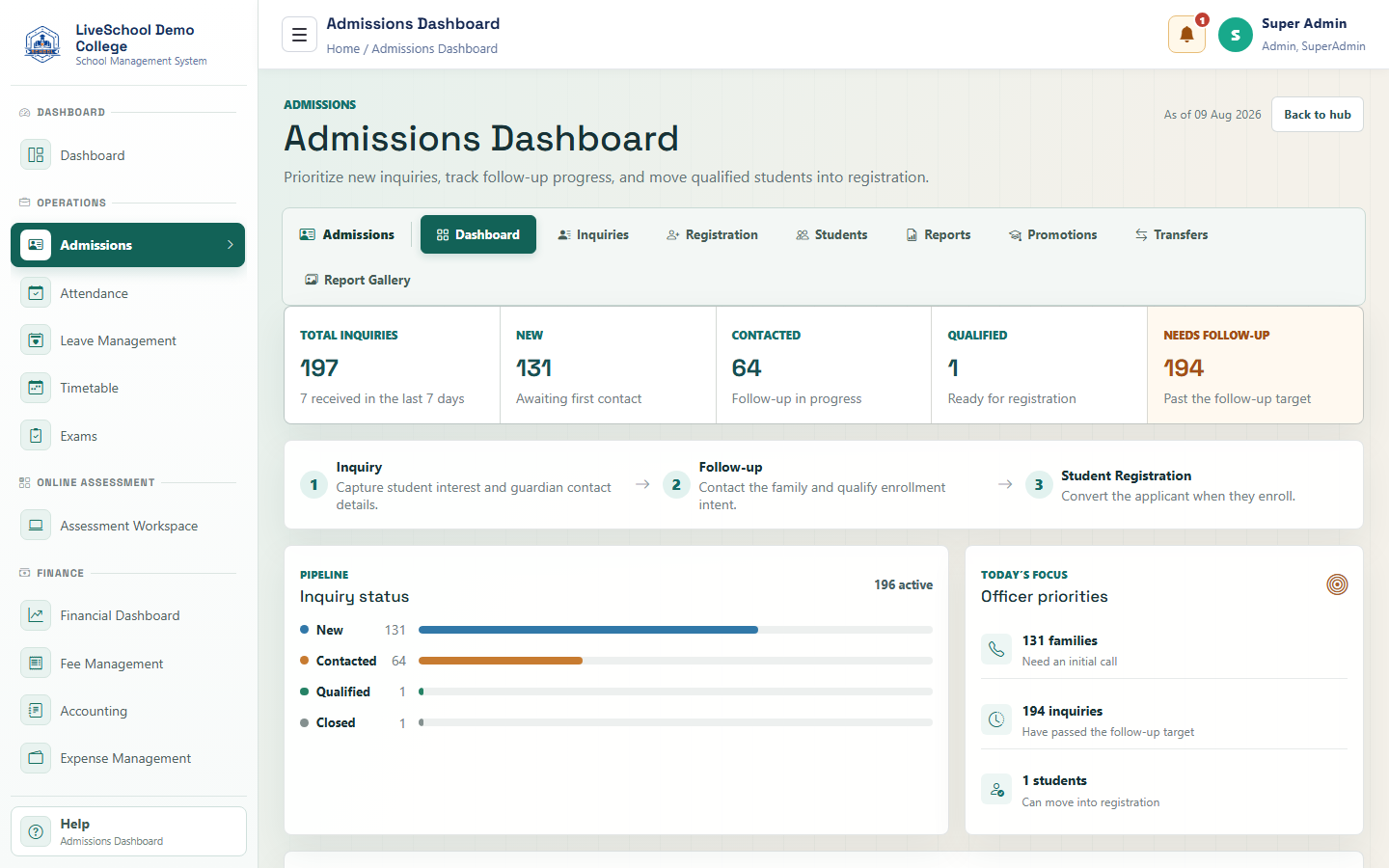
Prioritize new inquiries, overdue follow-up, qualified applicants, and the next admission task.
Guide depth
Interface
How it works
- Read priority metrics and warnings
- Use filters or refresh when available
- Open the linked workspace for action
- Return to the dashboard to confirm the updated position
What the system changes
- Links lead to the owning workflow.
- Prioritizes work.
- Updates the dashboard snapshot.