Step 2 of 6 · Student intake and lifecycle
Try this experience Student inquiries
Capture family interest, desired placement, contact details, and follow-up status before creating a student record.
Guide depth
Interface
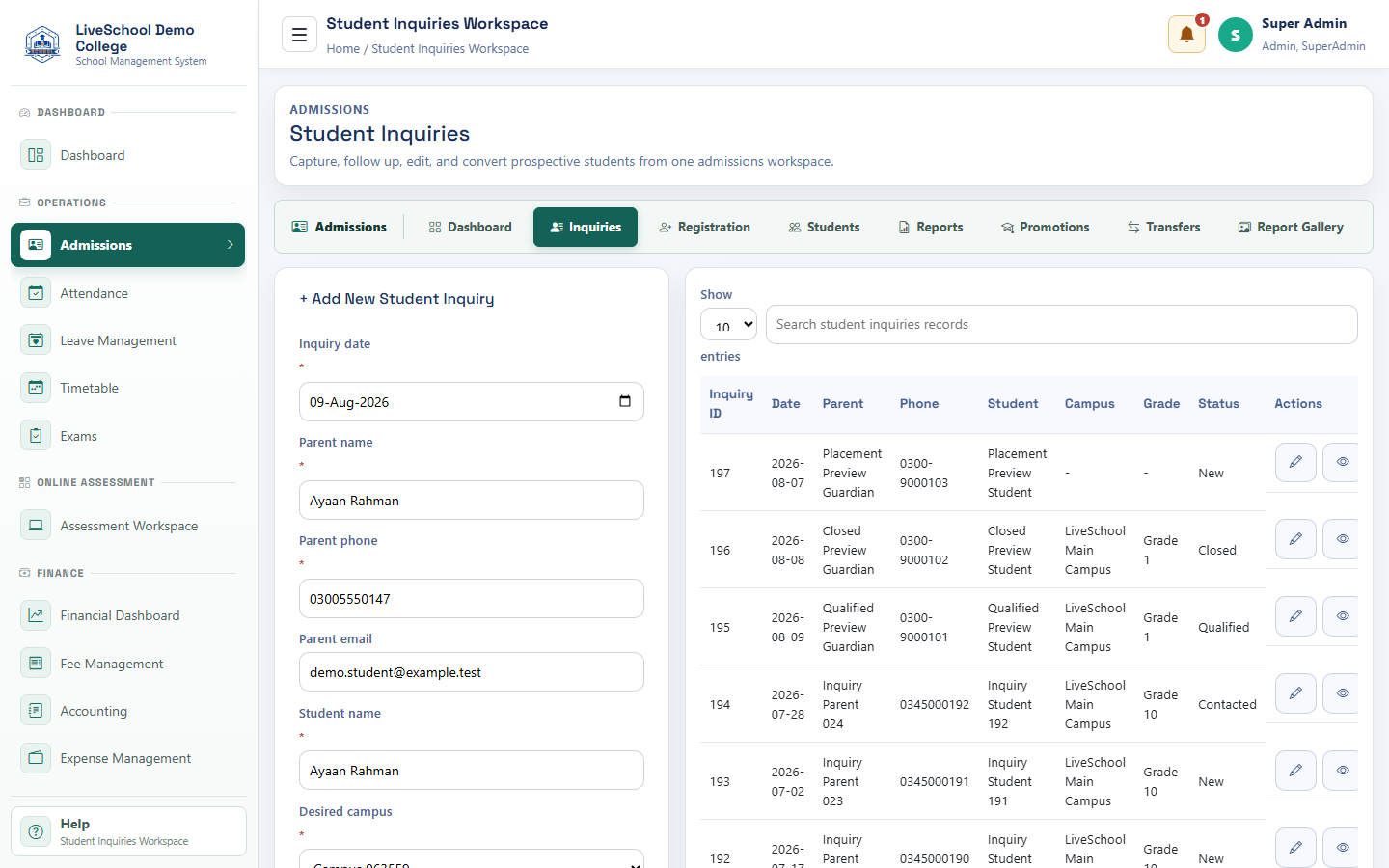
How it works
- Complete required parent selections first
- Enter or review each field
- Resolve validation messages
- Save or submit
- Verify the result on the related records page
What the system changes
- Starts inquiry aging and follow-up measurement.
- Supports calls, messages, and later guardian setup.
- Carries into registration when converted.
- Directs availability checks and pre-fills registration context.