Students workflow
Try this experience Student records
Find and inspect registered students and their current state.
Guide depth
Interface
How it works
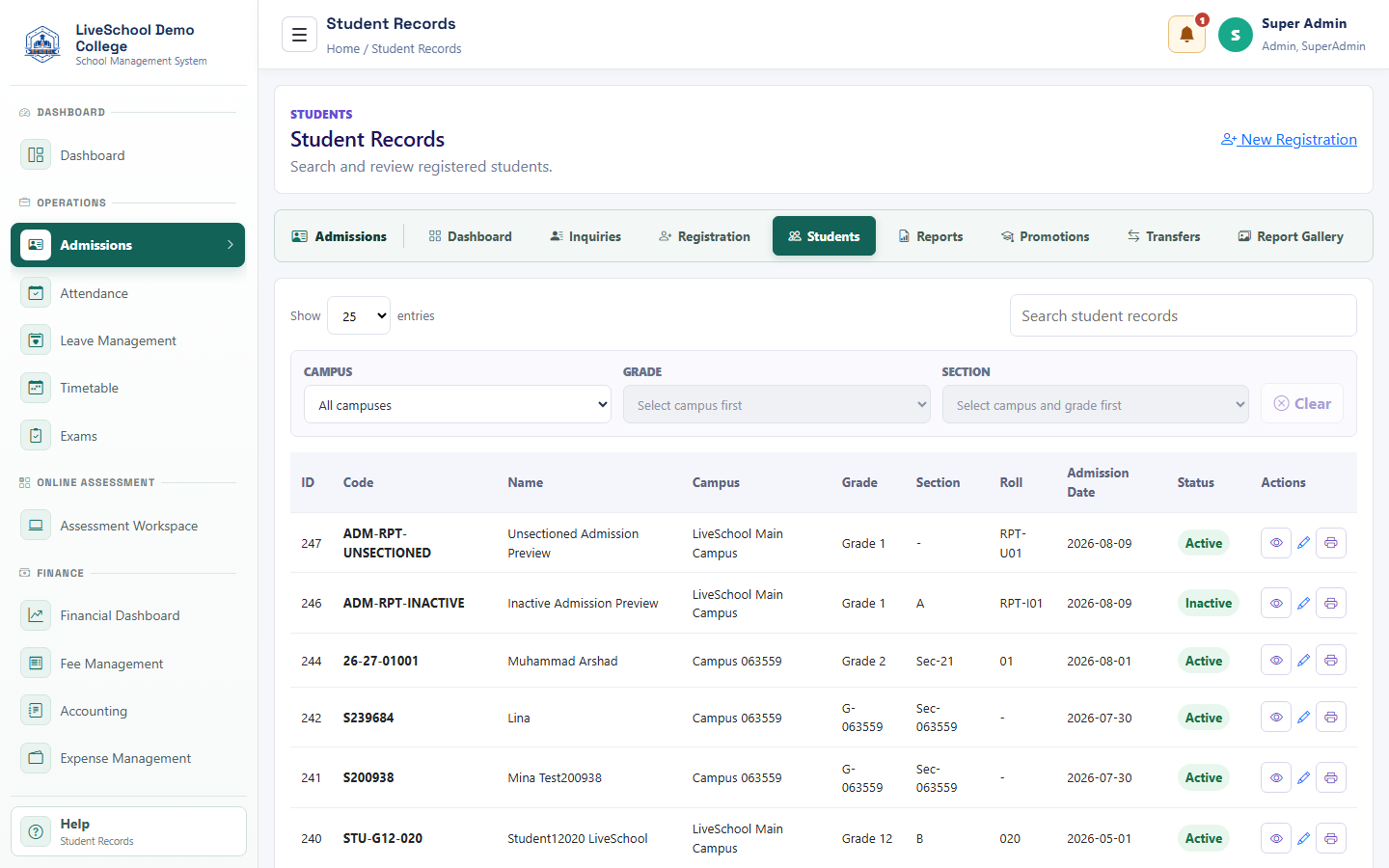
- Search by student name or code
- Apply campus, grade, and section filters
- Review status and placement
- Open view or edit for verification
- Print the admission form after checking the record
What the system changes
- Narrows the registered-student list.
- Supports class-level admission review and audit.
- Confirms the result of registration or later placement changes.
- Supports read-only checking without accidental edits.