Security and Role Experiences workflow
Try this experience School profile
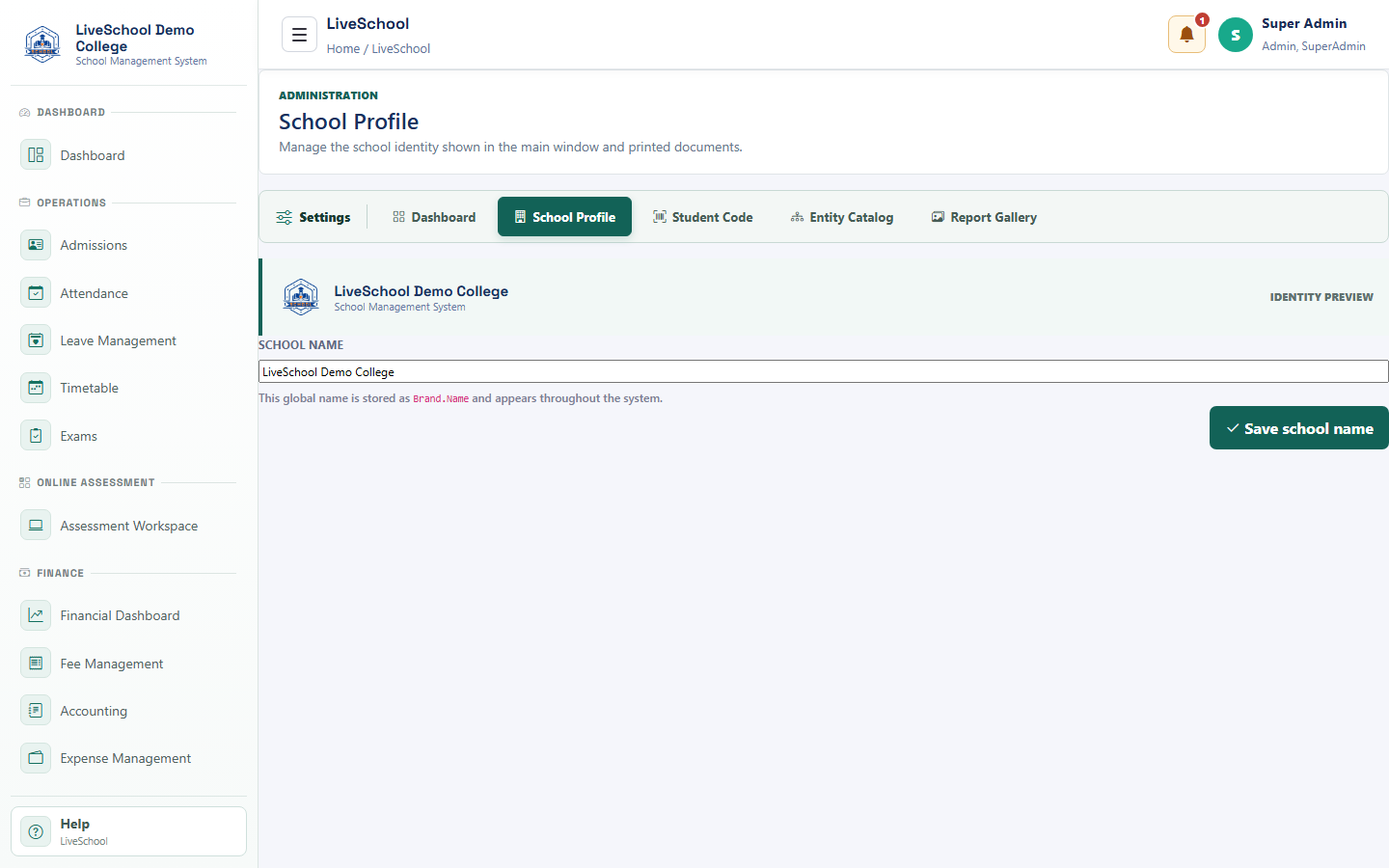
Control the institution identity used across screens and documents.
Guide depth
Interface
How it works
- Complete required parent selections first
- Enter or review each field
- Resolve validation messages
- Save or submit
- Verify the result on the related records page
What the system changes
- Updates branding and reports.
- Appears in navigation and documents.
- Appears on reports and correspondence.
- Refreshes branding.