Step 2 of 5 · Resources and governance
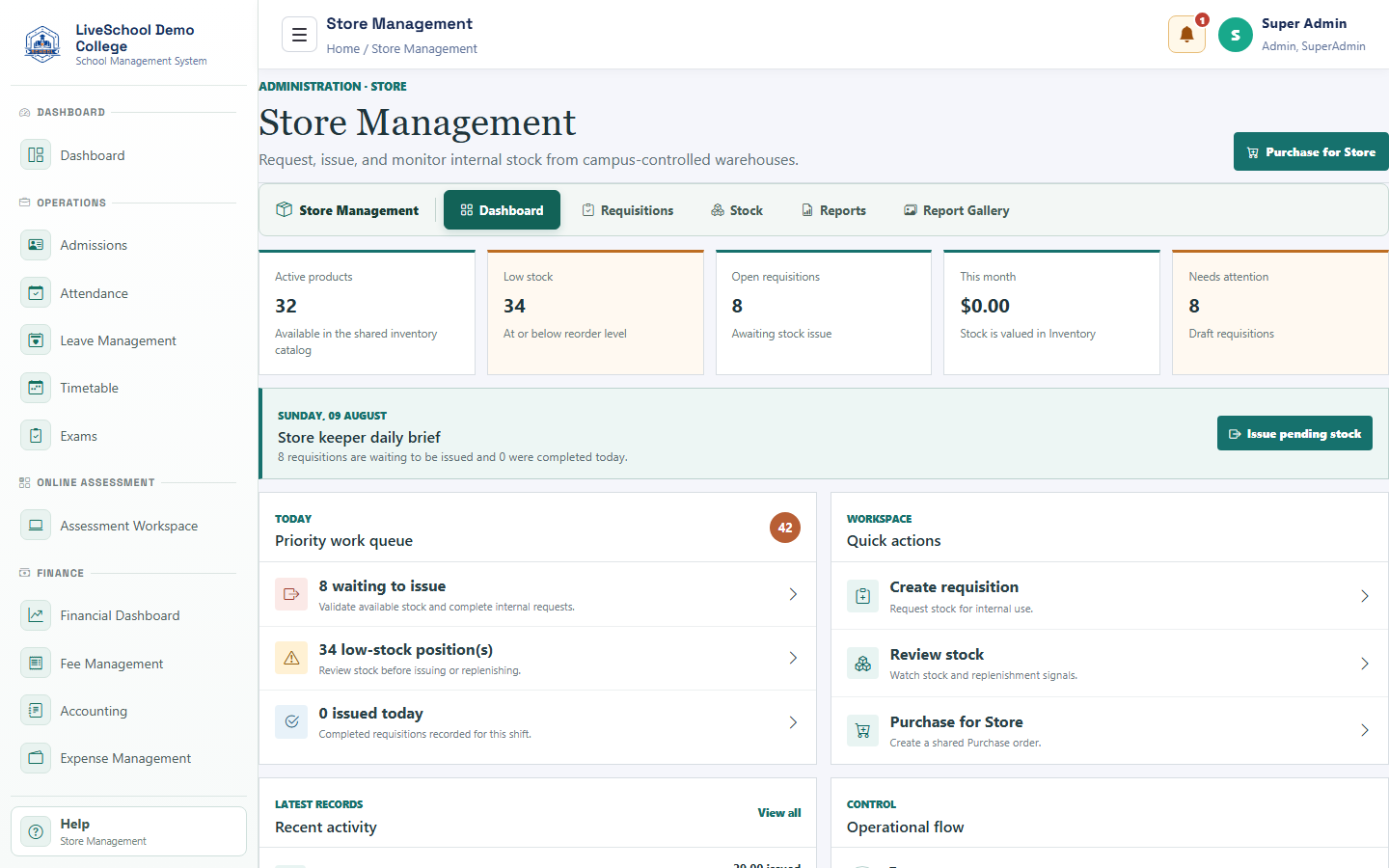
Try this experience Store management
Request, approve, and issue internal stock.
Guide depth
Interface
How it works
- Complete required parent selections first
- Enter or review each field
- Resolve validation messages
- Save or submit
- Verify the result on the related records page
What the system changes
- Scopes the requisition.
- Creates demand and eventual stock movement.
- Reduces stock and closes request.