Step 2 of 4 · Fees, finance, and payroll
Try this experience Fees and payments
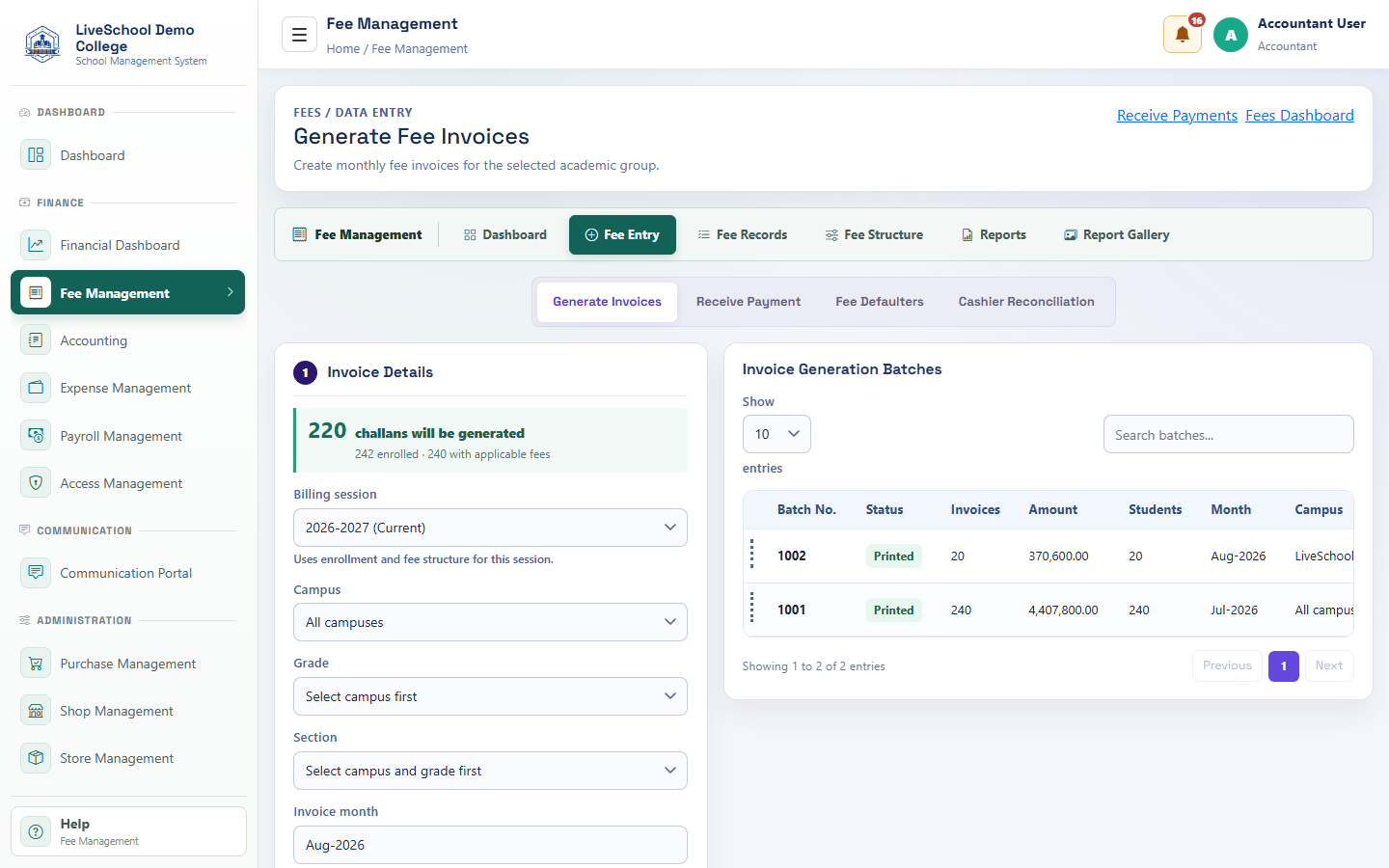
Generate invoices and receive payments against student balances.
Guide depth
Interface
How it works
- Complete required parent selections first
- Enter or review each field
- Resolve validation messages
- Save or submit
- Verify the result on the related records page
What the system changes
- Previews billable students.
- Appears on invoices and ageing.
- Loads open invoices.
- Creates payment and allocations.